- AI visits identify themselves by referrer: chatgpt.com, perplexity.ai, gemini.google.com, copilot.microsoft.com, claude.ai and friends — plus ChatGPT's
utm_source=chatgpt.comon search citation links. - GA4 added a native AI Assistant channel in May 2026, but its referrer list is unpublished — a custom channel group with your own regex is still the dependable setup.
- The honest caveat: answers read without a click are invisible to analytics, and some in-app browsing lands in Direct. Referral traffic is the floor of AI influence, never the total.
- Pair the trend with sampling — measuring whether you're actually in the answers — and the two numbers explain each other.
Somewhere in your analytics right now there's a thin stream of visitors who didn't come from Google, a newsletter or a paid click. They came from a conversation — an assistant named you, cited you, or linked you, and the buyer clicked through. That stream is worth measuring: it's the cheapest honest evidence that AI answers are sending you people, and the visitors it carries tend to arrive late-funnel, pre-sold by the answer that sent them.
This post is the practical setup: which referrers mark a session as AI traffic, the exact GA4 configuration with the regex to paste, and — because we measure things for a living — the caveats that stop you from mistaking the visible trickle for the whole story.
The referrers that identify AI traffic
When someone clicks a link inside an assistant, the session usually arrives carrying the assistant's domain as its referrer. This list is current as of August 2026 — referrer patterns shift when products move domains, so date-check any list you borrow, including this one:
| Assistant | Referrer / signal | Notes |
|---|---|---|
| ChatGPT | chatgpt.com (legacy chat.openai.com) | Also appends utm_source=chatgpt.com to search citation links, per OpenAI's publisher docs2 |
| Perplexity | perplexity.ai, www.perplexity.ai | Citation-heavy answers make it a steady clicker relative to its size |
| Gemini | gemini.google.com (legacy bard.google.com) | Renamed from Bard in 2024; keep both in your regex |
| Copilot | copilot.microsoft.com | Consumer Copilot on the web |
| Claude | claude.ai | Web app referrals |
| Grok | grok.com, x.ai | Standalone site; in-X usage may arrive differently |
| Meta AI | meta.ai | Web version only |
| Google AI Overviews / AI Mode | none distinct | Clicks arrive as google.com — they land in Organic Search and can't be separated by referrer |
That last row matters more than it looks. Google's AI surfaces are the biggest AI answer surface by audience, and their clicks are indistinguishable from classic organic in your analytics. Whatever your "AI traffic" report says, it excludes them entirely — to know whether you're visible there you check the answers themselves, not your traffic.
GA4's native AI Assistant channel — and its gaps
In May 2026, Google added an AI Assistant channel to GA4's default channel group: sessions whose referrer matches a recognized assistant get medium ai-assistant and surface as their own row in acquisition reports, no configuration needed.1 If you do nothing else, you now get a rough AI number for free.
Two reasons not to stop there. First, Google names ChatGPT, Gemini and Claude as examples but hasn't published the full referrer list1 — so you can't audit what's in or out, and smaller assistants may still land in Referral. Second, the classification only applies to traffic from the rollout onward, and Google's own AI Overviews still count as Organic Search.3 A custom channel group gives you a definition you control, and can verify.
The 10-minute GA4 setup: a custom channel group
- In GA4, go to Admin → Data display → Channel groups and click Create new channel group (this copies the default group — the default itself can't be edited).
- Click Add new channel and name it AI traffic.
- Set the condition to Source → matches regex and paste:
^(www\.)?(chatgpt\.com|chat\.openai\.com|perplexity\.ai|gemini\.google\.com|bard\.google\.com|copilot\.microsoft\.com|claude\.ai|grok\.com|x\.ai|meta\.ai)$ - Reorder the channel above Referral. Channels claim sessions in list order — if Referral sits higher, it takes your AI sessions first and your new channel stays empty.
- Save, then open Reports → Acquisition → Traffic acquisition and switch the primary dimension to your new channel group to read the numbers.
Notes on the regex: it matches full referrer hostnames, so it also catches ChatGPT sessions arriving via utm_source=chatgpt.com (GA4 takes the UTM as the source, and it matches the same pattern2). Filter on source, not medium — the medium on AI clicks is inconsistent. And revisit the list quarterly: assistants change domains, new ones earn a line, and a stale regex quietly undercounts.
The honest caveats
Now the part most setup guides skip. Three things make this number a floor, not a total:
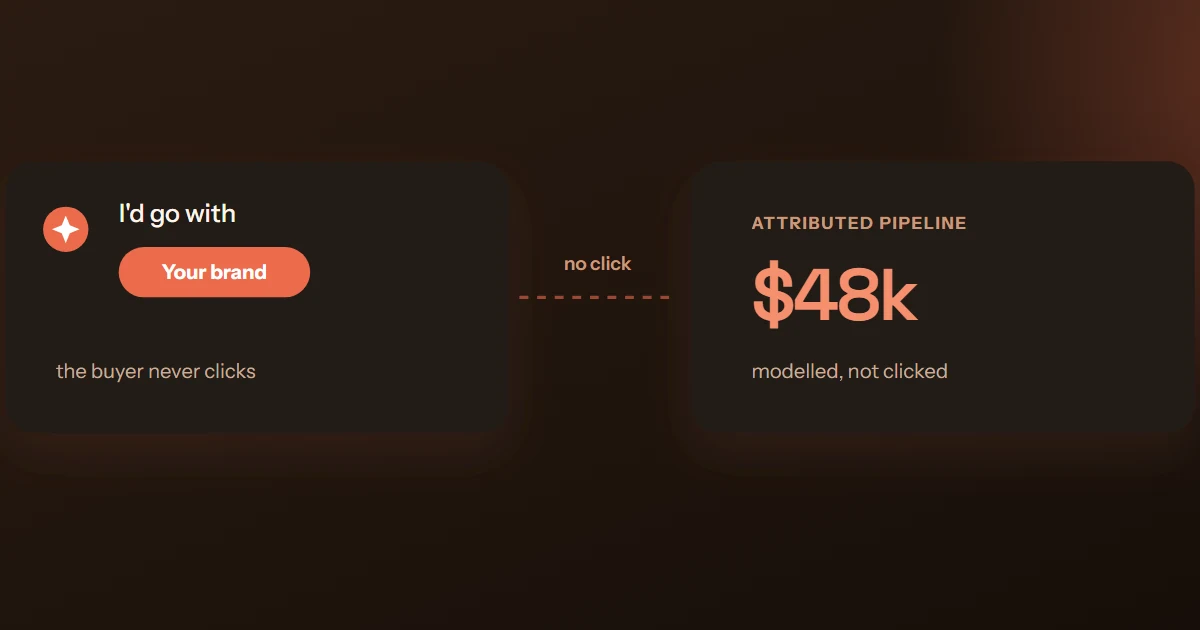
- The zero-click majority. Most people who read an AI answer never click anything. Pew found that when Google shows an AI summary, users click a traditional result on only ~8% of visits — and click a source link inside the summary on roughly 1%.3 The answer gets read, the shortlist gets formed, and analytics records nothing. That's the zero-click buyer journey, and it's the majority of AI influence.
- Stripped referrers. Clicks from some native apps and in-app browsers arrive with no referrer at all and fall into Direct. Part of your real AI traffic is sitting in your Direct bucket, unlabeled — you can't recover it, only know it exists.
- The invisible influence path. A buyer asks an assistant, gets a shortlist with you on it, and later searches your brand name or types your URL. Analytics files that as Organic or Direct — the assistant that put you on the shortlist gets no credit anywhere.
Read it like this: AI referral traffic is a trend metric, not a volume metric. Small absolute numbers are expected; what matters is direction, and what a rising line implies about all the exposure you can't see.
Why referral traffic undercounts AI influence — and what sampling adds
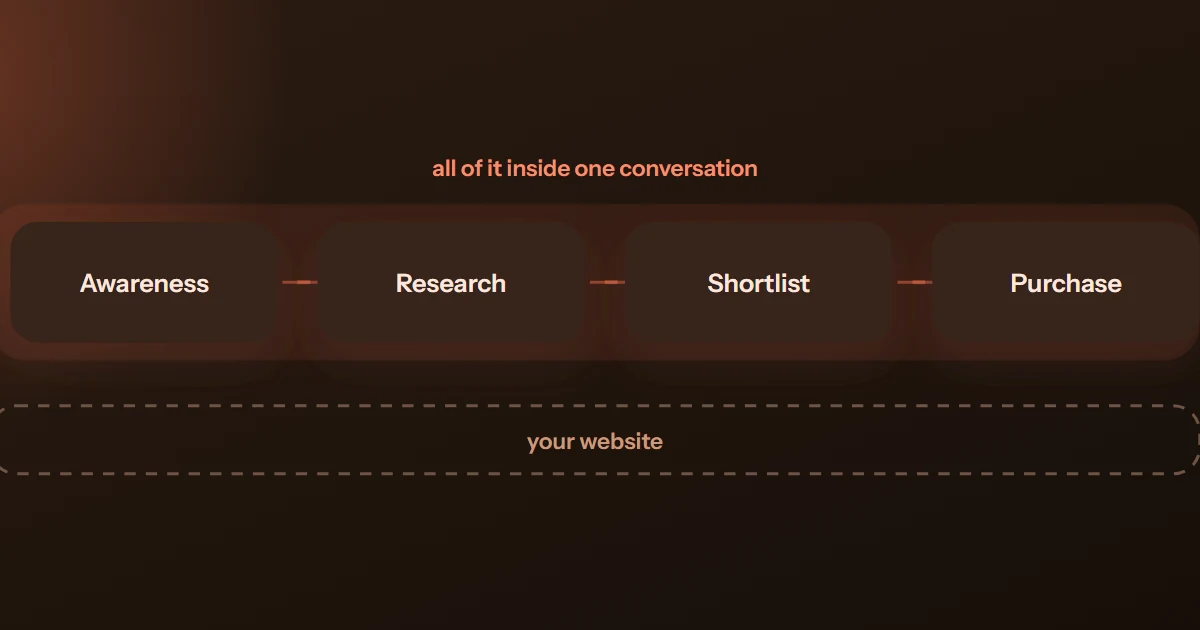
Here's the structural problem: your analytics can only measure the moment influence becomes a click, and AI answers do most of their work before that moment. The recommendation happens inside the conversation. By the time anything touches your site — if it ever does — the buyer has already been given a shortlist, comparisons and a verdict.
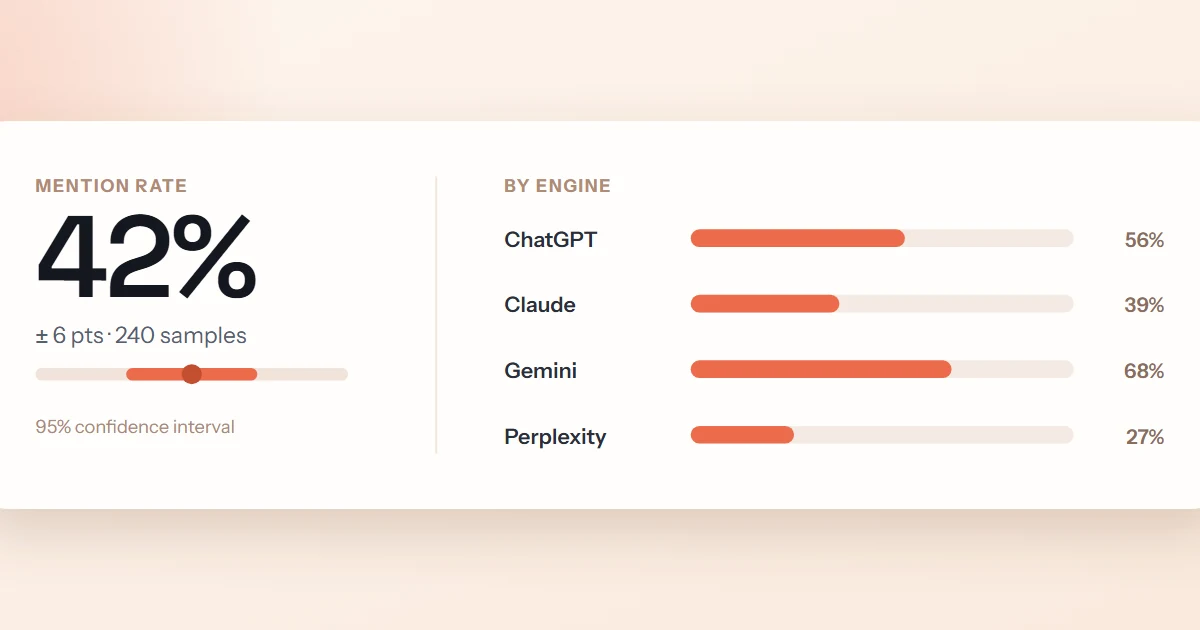
So the referral number answers "how many people clicked through from an assistant?" — but the question your strategy depends on is "what are the assistants saying about us?" Those are different measurements. The second one can't be read from traffic at all; you get it by sampling: running real buyer prompts across the engines, repeatedly, and measuring how often you're named, recommended, and described accurately. That's the method behind mention rate and share of voice, and it's the exposure-side complement to referral's outcome-side trickle.
Used together, the two explain each other. Rising mentions with flat referrals? Normal — most influence is zero-click, and your brand-search volume is where the credit lands (the GEO ROI post covers how to connect that chain). Rising referrals with flat mentions? Check which engine — one assistant may have started citing a specific page. Falling both? You have a real visibility problem that no amount of channel-group regex will fix.
MentionBeat samples real buyer prompts across up to 6 AI surfaces — ChatGPT, Claude, Gemini, Perplexity, Google AI Overviews and Grok — and measures your mention rate, share of voice and accuracy with confidence intervals. The part of AI influence your analytics can't see.
Get a free visibility reportFrequently asked questions
Because the click arrived without a referrer. Some in-app browsers, desktop apps and privacy settings strip or blank the referrer header, and those sessions fall into Direct. ChatGPT's utm_source=chatgpt.com parameter on search citation links recovers some of it,2 but assume a slice of your real AI traffic is hiding in Direct — one more reason the referral number is a floor.
Not in your analytics. Clicks from AI Overviews and AI Mode arrive with a google.com referrer, so they land in Organic Search — there's no referrer-level way to separate them from classic blue-link clicks.3 To know whether you're visible there, check the answers themselves: our free AI Overview checker shows whether a page is cited for a query.
It's typically a small share of sessions today, but size is the wrong lens. These visitors arrive late-funnel, pre-sold by the answer that sent them, and the segment is the cheapest honest signal you have that assistants are citing you. Ten minutes of setup buys the trend line. Just pair it with sampling — most AI influence never produces a click at all.
Sources & further reading
- Search Engine Journal — "Google Analytics Adds AI Assistant As Default Channel Group", May 2026.
- OpenAI Help Center — "Publishers and Developers — FAQ" (ChatGPT appends
utm_source=chatgpt.comto referral URLs). - Pew Research Center — "Google users are less likely to click on links when an AI summary appears in the results", July 2025.
- Google Analytics Help — "[GA4] Default channel group" — the channel definitions reference.

GEO Strategy Lead at MentionBeat. Daniel helps teams turn visibility measurement into operating cadence — building the plan → produce → publish → measure loop inside marketing orgs of every size.